

Halo, kalau kamu merasa tulisan saya ngebantu kamu, kamu bisa ucapkan terima kasih lewat saweria .
If you feel this website help you, you can donate at saweria .
How To
First, create an API Token at your Sentry with token permissions:
project:readorg:readproject:releasesevent:read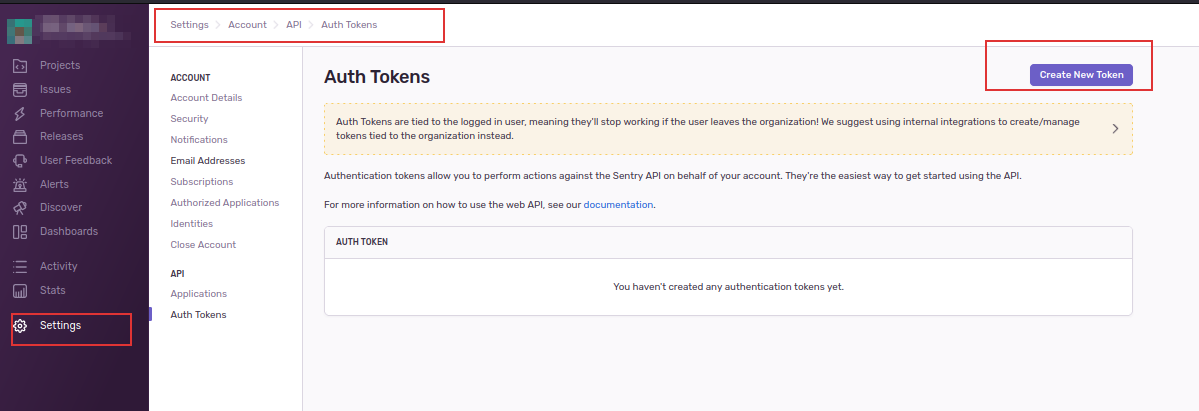
Create a New Token at Sentry
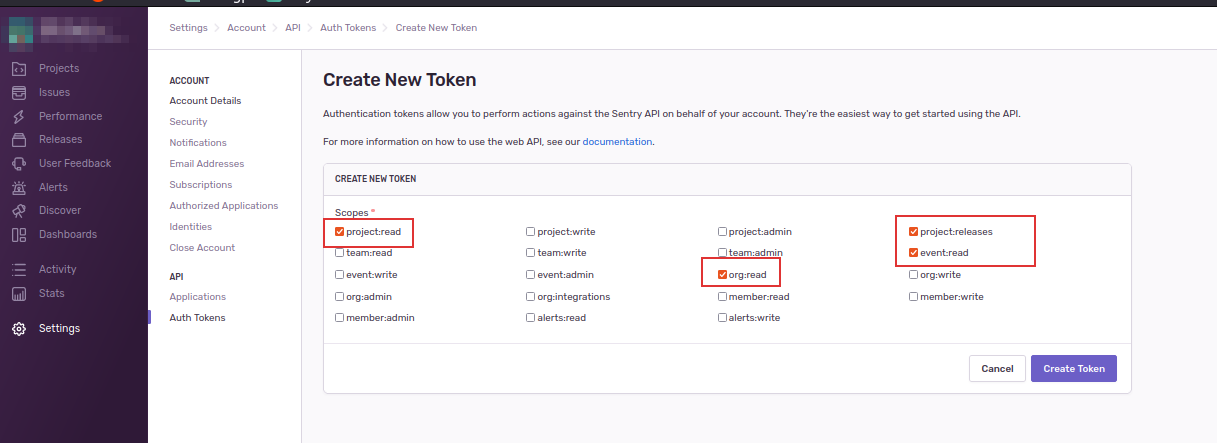
Create Token with Specific Permissions
Create a .env file at the root directory
echo SENTRY_BASE_URL="https://yoursentry.com/api/0/"
echo SENTRY_AUTH_TOKEN="yourToken"
echo SENTRY_EXPORTER_ORG="yourORG"
Create docker-compose.yml
version: "3.9"
services:
  sentry-exporter:
    container_name: "sentry-prometheus-exporter"
    image: italux/sentry-prometheus-exporter:latest
    ports:
      - "9790:9790"
    env_file: .env
Run using
docker-compose up -d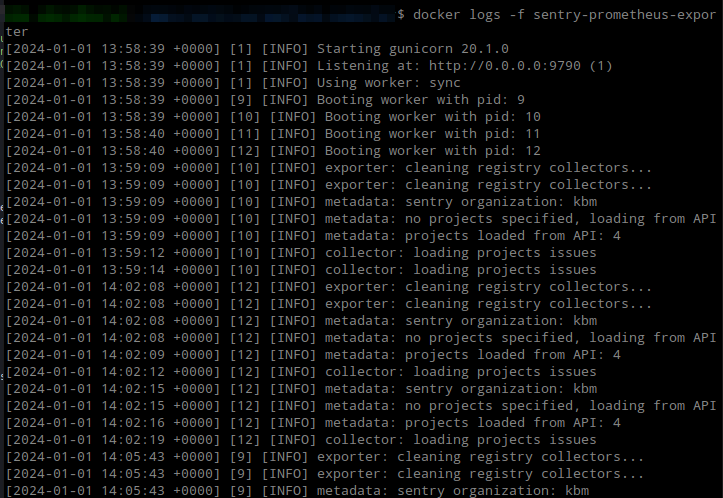
Sentry Exporter Running Successfully
Then add the Sentry exporter URL to
prometheus.yml- job_name: 'sentry_exporter' honor_labels: true honor_timestamps: true scrape_interval: 5m scrape_timeout: 4m metrics_path: /metrics/ scheme: http follow_redirects: true enable_http2: true static_configs: - targets: - 192.168.1.2:9790For visualization in Grafana, add a dashboard with ID 13941
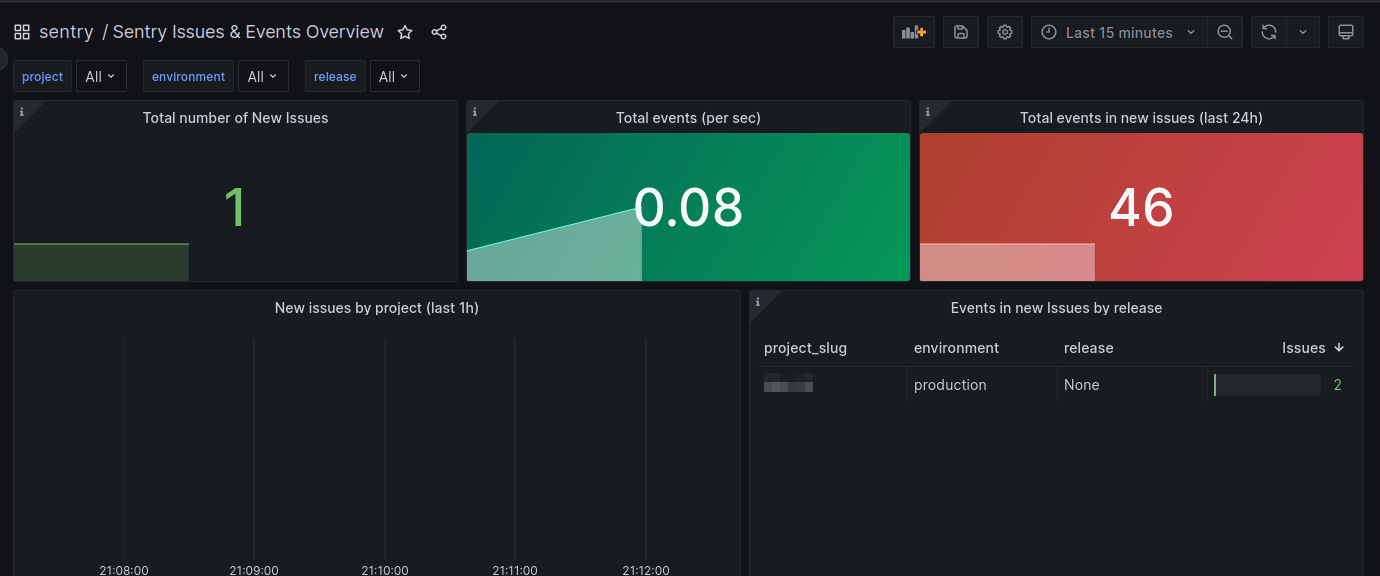
Sentry Exporter Grafana Dashboard
References: