

Halo, kalau kamu merasa tulisan saya ngebantu kamu, kamu bisa ucapkan terima kasih lewat saweria.
If you feel this website help you, you can donate at saweria.
How To
First, create an API Token at your Sentry with token permissions:
project:readorg:readproject:releasesevent:read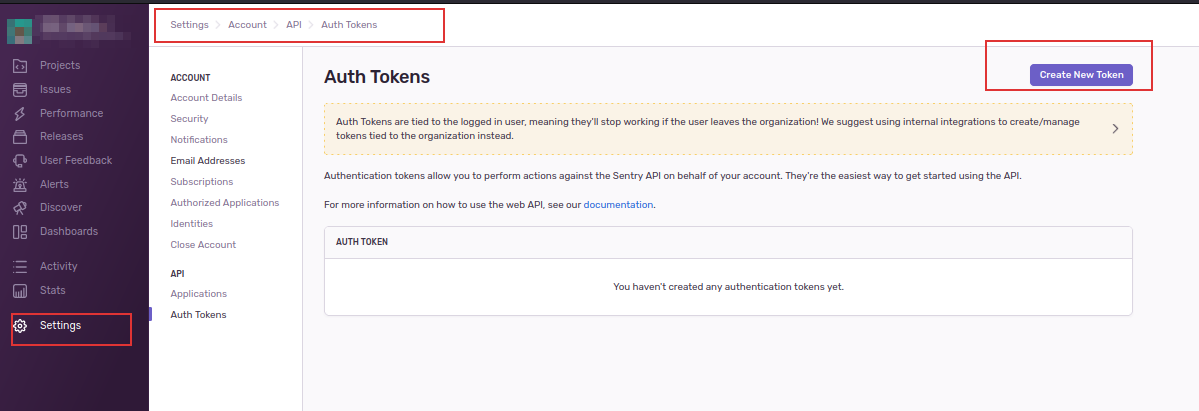
Create a New Token at Sentry
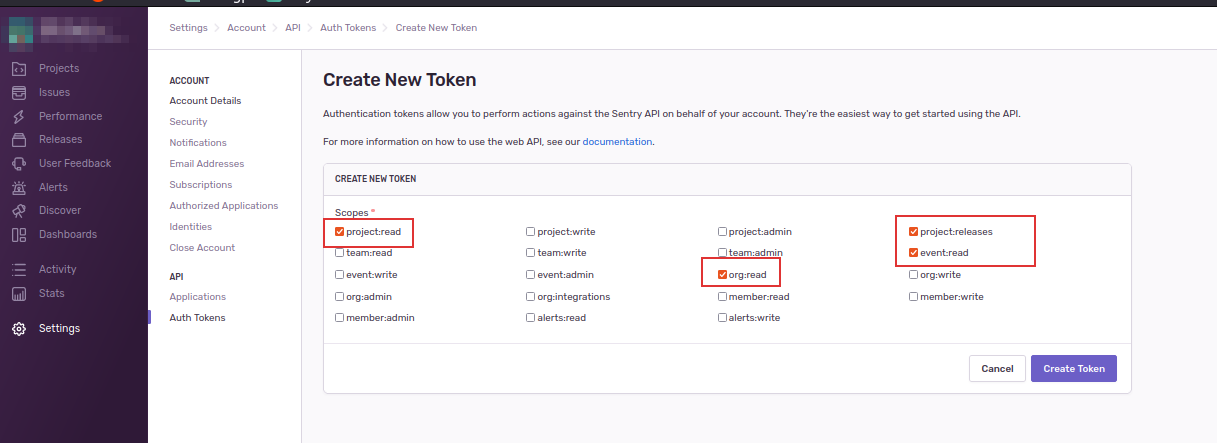
Create Token with Specific Permissions
Create a .env file at the root directory
echo SENTRY_BASE_URL="https://yoursentry.com/api/0/"
echo SENTRY_AUTH_TOKEN="yourToken"
echo SENTRY_EXPORTER_ORG="yourORG"
Create docker-compose.yml
version: "3.9"
services:
  sentry-exporter:
    container_name: "sentry-prometheus-exporter"
    image: italux/sentry-prometheus-exporter:latest
    ports:
      - "9790:9790"
    env_file: .env
Run using
docker-compose up -d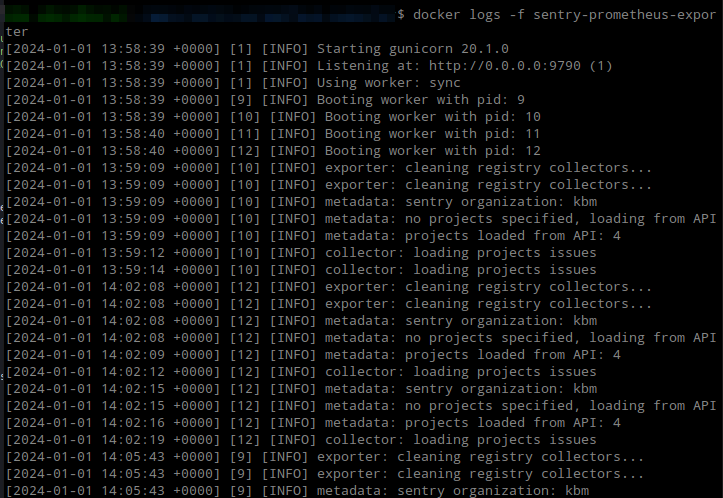
Sentry Exporter Running Successfully
Then add the Sentry exporter URL to
prometheus.yml- job_name: 'sentry_exporter' honor_labels: true honor_timestamps: true scrape_interval: 5m scrape_timeout: 4m metrics_path: /metrics/ scheme: http follow_redirects: true enable_http2: true static_configs: - targets: - 192.168.1.2:9790For visualization in Grafana, add a dashboard with ID 13941
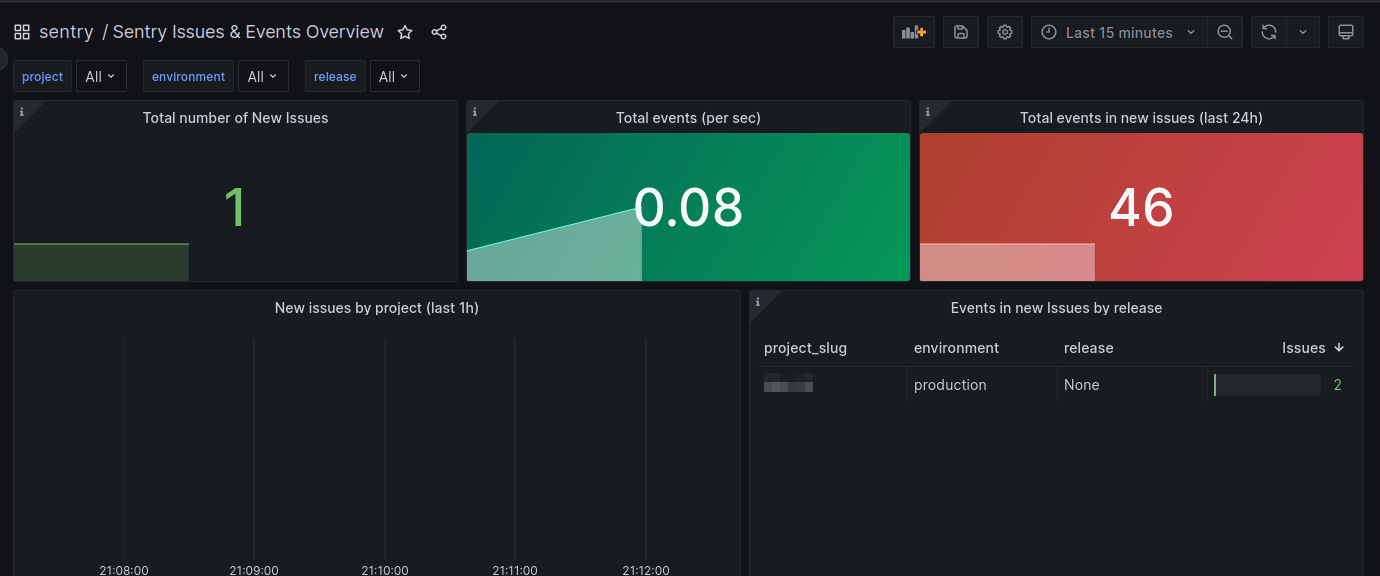
Sentry Exporter Grafana Dashboard
References: