

Halo, kalau kamu merasa tulisan saya ngebantu kamu, kamu bisa ucapkan terima kasih lewat saweria.
Hello, if you find this article helpful, you can express your gratitude through saweria.
How To
Create 3 new directory
mkdir -p {images,exhaust,metadata}Create
docker-compose.ymlfile
version: '3'
name: webp_server_go
services:
  webp:
    container_name: webp_server_go-ctr
    #image: webpsh/webp-server-go
    image: ghcr.io/webp-sh/webp_server_go
    restart: always
    environment:
      - MALLOC_ARENA_MAX=1
    volumes:
      - ./images:/opt/pics
      - ./exhaust:/opt/exhaust
      - ./metadata:/opt/metadata
      - ./config.json:/etc/config.json
    ports:
      -  3333:3333
- Create
config.jsonfile
{
  "HOST": "0.0.0.0",
  "PORT": "3333",
  "QUALITY": "80",
  "IMG_PATH": "./pics",
  "EXHAUST_PATH": "./exhaust",
  "IMG_MAP": {},
  "ALLOWED_TYPES": ["jpg","png","jpeg","bmp","gif","svg","heic","ico","webp","avif"],
  "ENABLE_AVIF": false,
  "ENABLE_EXTRA_PARAMS": false,
  "READ_BUFFER_SIZE": 4096,
  "CONCURRENCY": 262144,
  "DISABLE_KEEPALIVE": false,
  "CACHE_TTL": 259200
}
- Put some image on “images” directory, then run
docker compose up -d
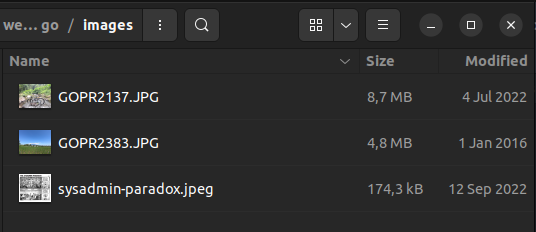
Fill Provider with ‘Other’ than ‘Vultr’ To Remove Warning
- Open browser, then type
localhost:3333/imagefile
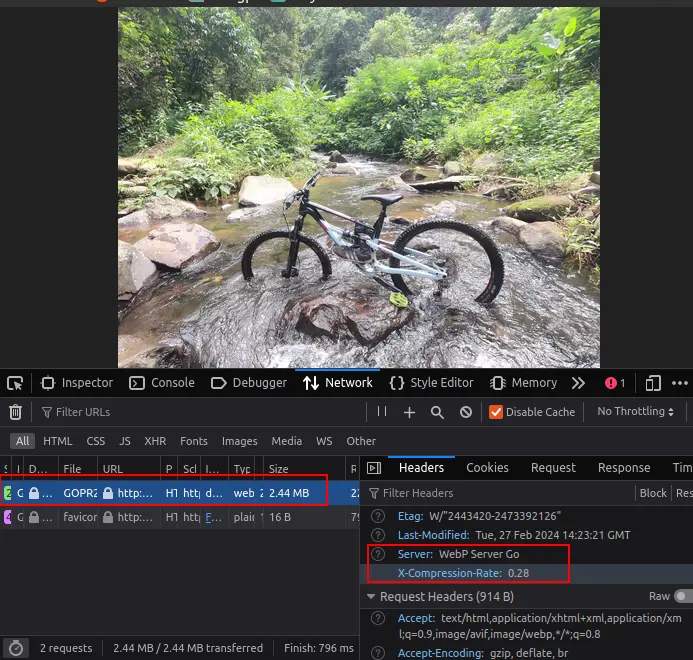
Convert To Webp Working! From 8MB To 2.4MB
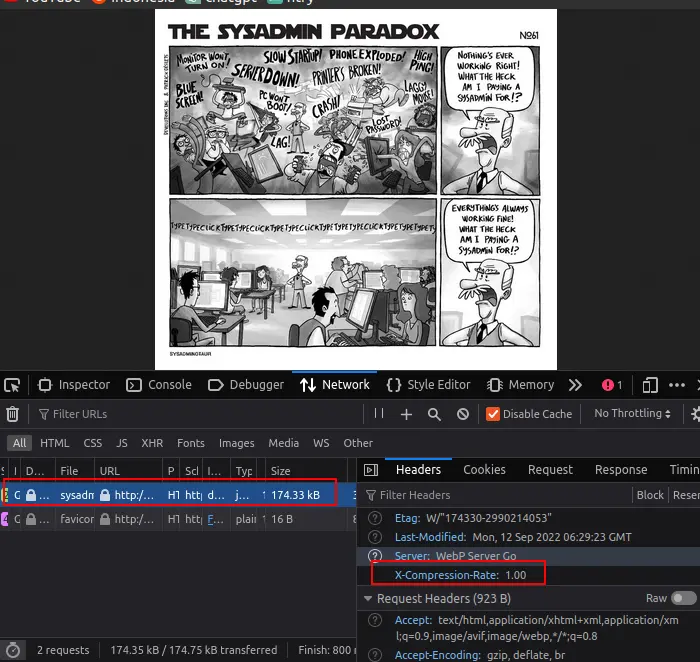
Convert To Webp Not Working, Read About ‘X-Compression-Rate’
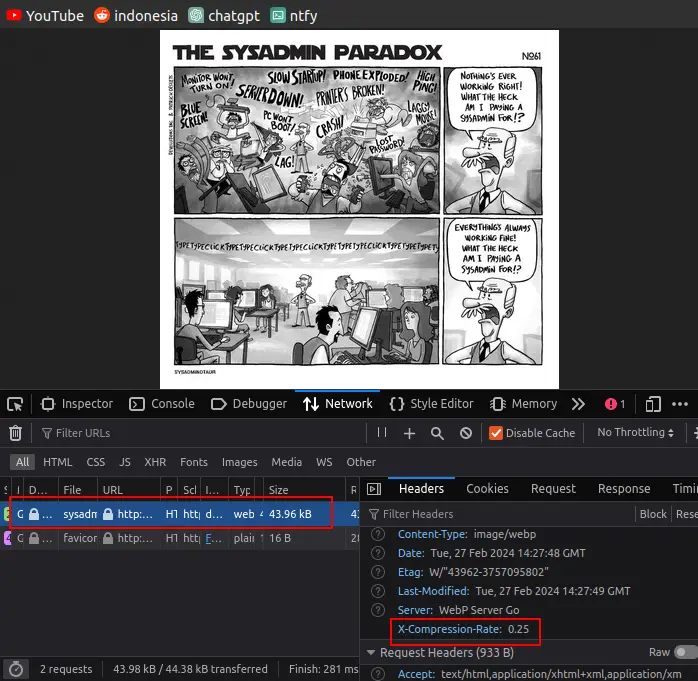
Now It Working By Adding width option http://localhost:3333/sysadmin-paradox.jpeg?width=400